Currently, Unity generates legacy project files for Visual Studio, which means you’re limited to using the legacy project system for your Unity projects. Our solution enables Unity projects to adopt the modern .NET project system in Visual Studio—unlocking a cleaner, more efficient development experience that aligns with the future of .NET development for both Visual Studio and Unity.
By making the switch, you benefit from faster load times and improved performance, automatic file management, modern dependency management, simplified project files, automatic project reloading, and a setup that’s better aligned with Unity’s future roadmap—especially as the engine moves toward the modern CoreCLR runtime.
Key Benefits of the .NET Project System (Built on CPS)
- Multi-Threaded & Responsive
The modern system is multi-threaded, scalable, and far more responsive than the legacy single-threaded, UI-bound systems. This results in faster project load times and more efficient design-time builds in Visual Studio. - Easier Extensibility
Thanks to the Managed Extensibility Framework (MEF), the modern project system is easy to extend and customize. Third-party tools and extensions can integrate seamlessly into your development workflow. - Future-Proofing
Serving as the foundation for all future C#, F#, and Visual Basic projects, the .NET project system ensures your projects are aligned with ongoing enhancements in the .NET ecosystem and Visual Studio. Adopting SDK‐style projects aligns your workflow with the .NET development practices.
Additional Advantages for Unity Projects
- Additional Advantages for Unity Projects
The modern project system is optimized for faster project load times, design‑time builds, and overall responsiveness within Visual Studio. This can give you a smoother development experience with less waiting time during design‑time builds and project reloads. - Implicit File Inclusion
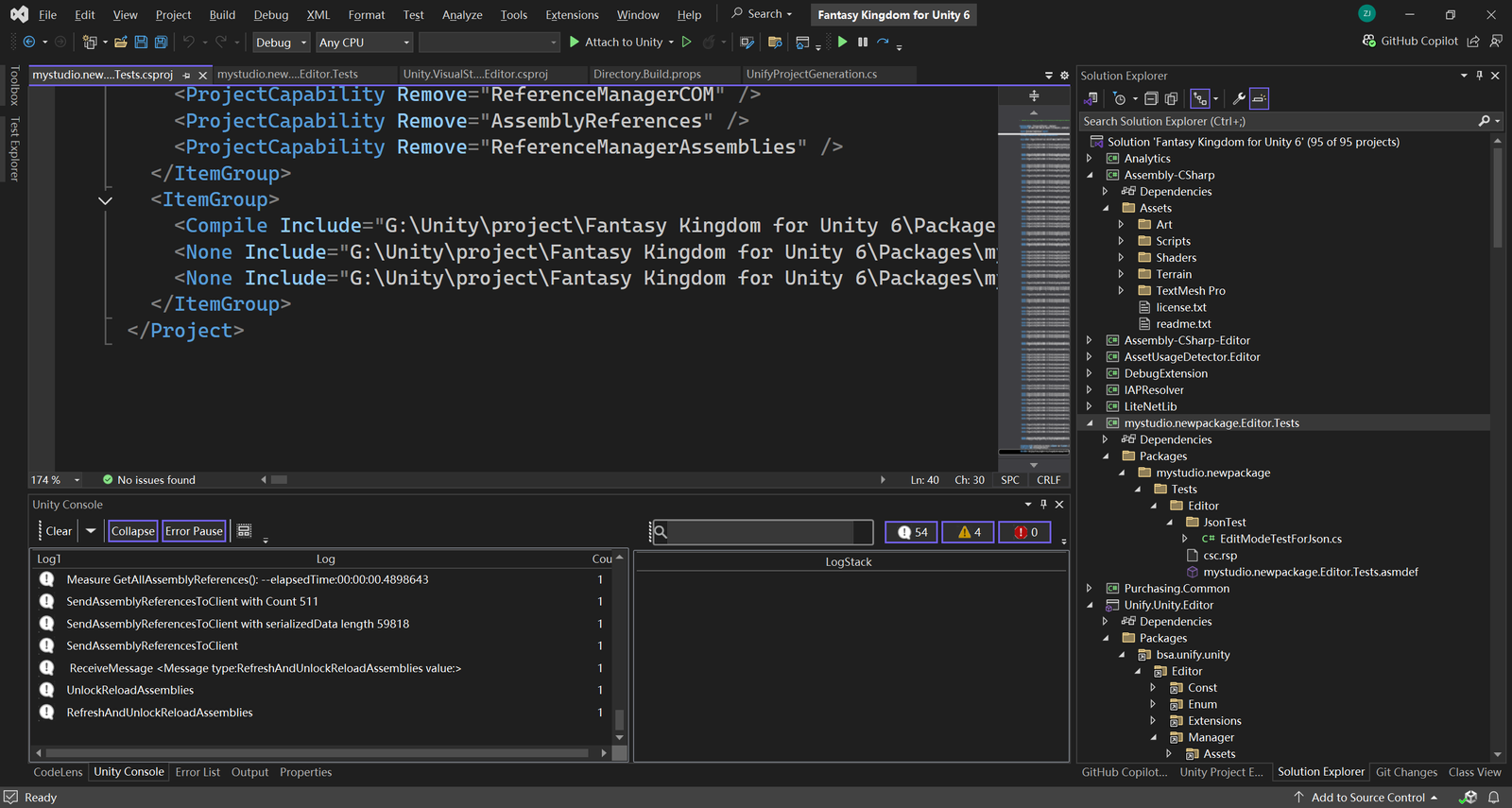
Source files and assets are automatically included, removing the need to manually update the project file with every new file. This automation is particularly beneficial for large, evolving Unity projects where assets and scripts are frequently added, streamlining workflows and reducing setup overhead.
- Modern Dependency Management
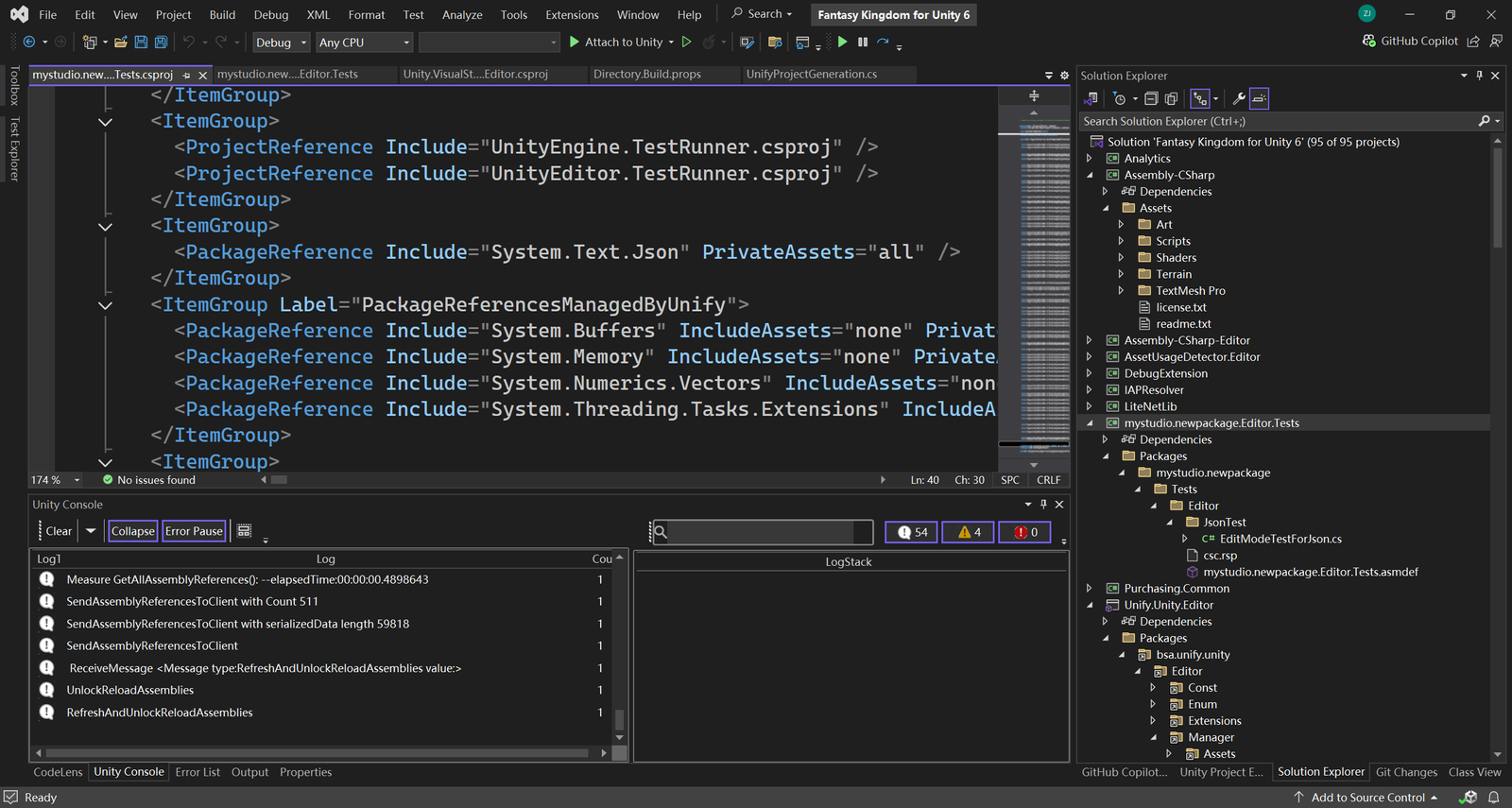
SDK‐style projects use the PackageReference model, which simplifies NuGet package management and handles transitive dependencies more gracefully. It becomes easier to integrate modern libraries and frameworks in Unity projects, paving the way for smoother updates and long-term maintainability for package Dependency.
- Cleaner, Simplified Project Files
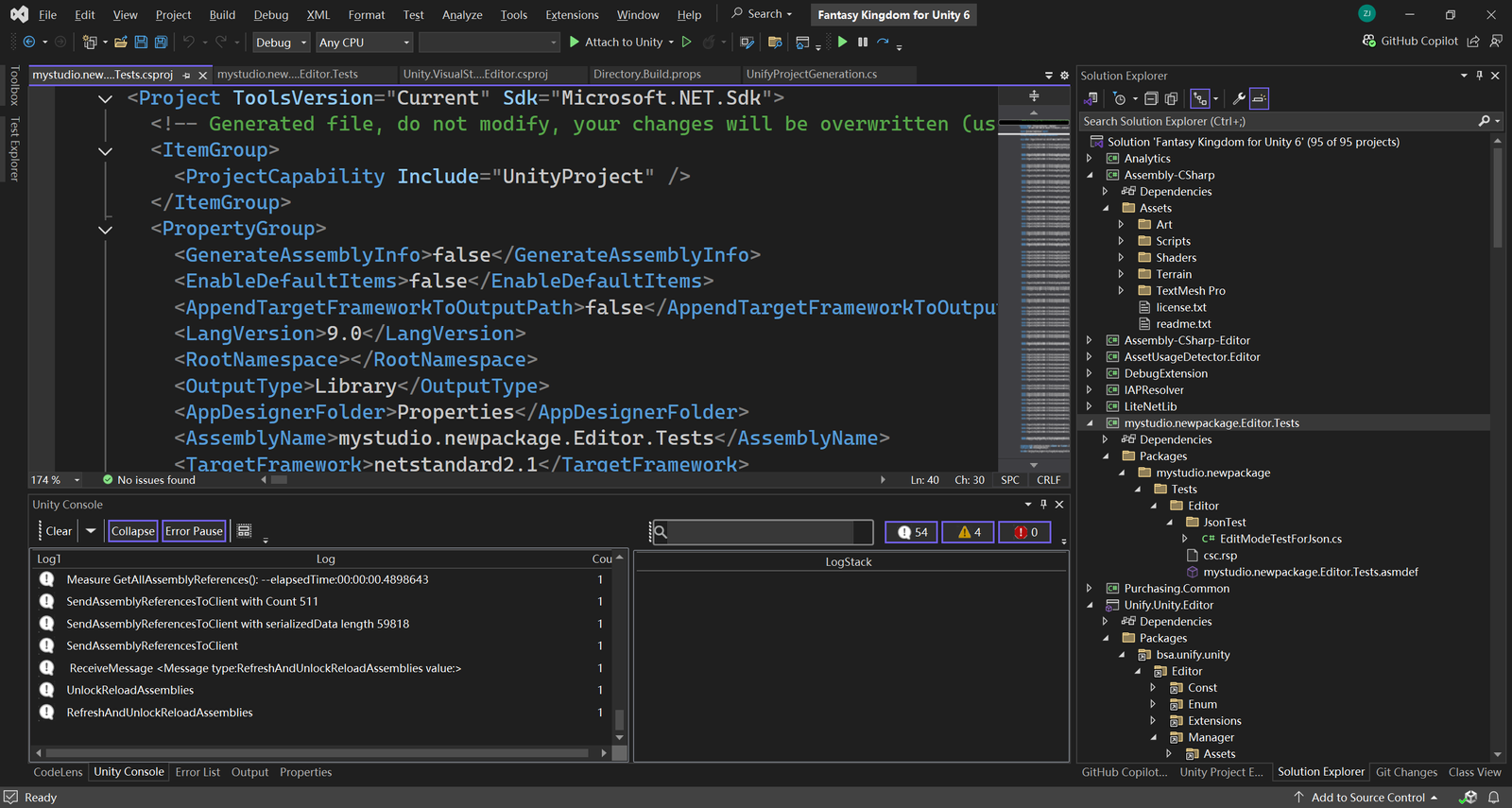
The SDK‑style format drastically reduces boilerplate code. Files are included implicitly, which means you don’t have to manually list every script or asset. This makes it easier to manage your Unity project files.
- Automatic Project Reloading & Better Change Detection
Visual Studio automatically detects external changes to project files and reloads them without manual intervention. This keeps your IDE in sync with your project configuration, reducing downtime and preventing configuration errors during rapid development. - Ecosystem Alignment & Future-Readiness for Unity’s migration to CoreCLR
Unity’s migration to CoreCLR is a forward-looking move that promises ongoing performance, security, and feature improvements. SDK‐style projects serve as a natural bridge to this modern ecosystem, ensuring your projects are ready for future enhancements and making the migration smoother.