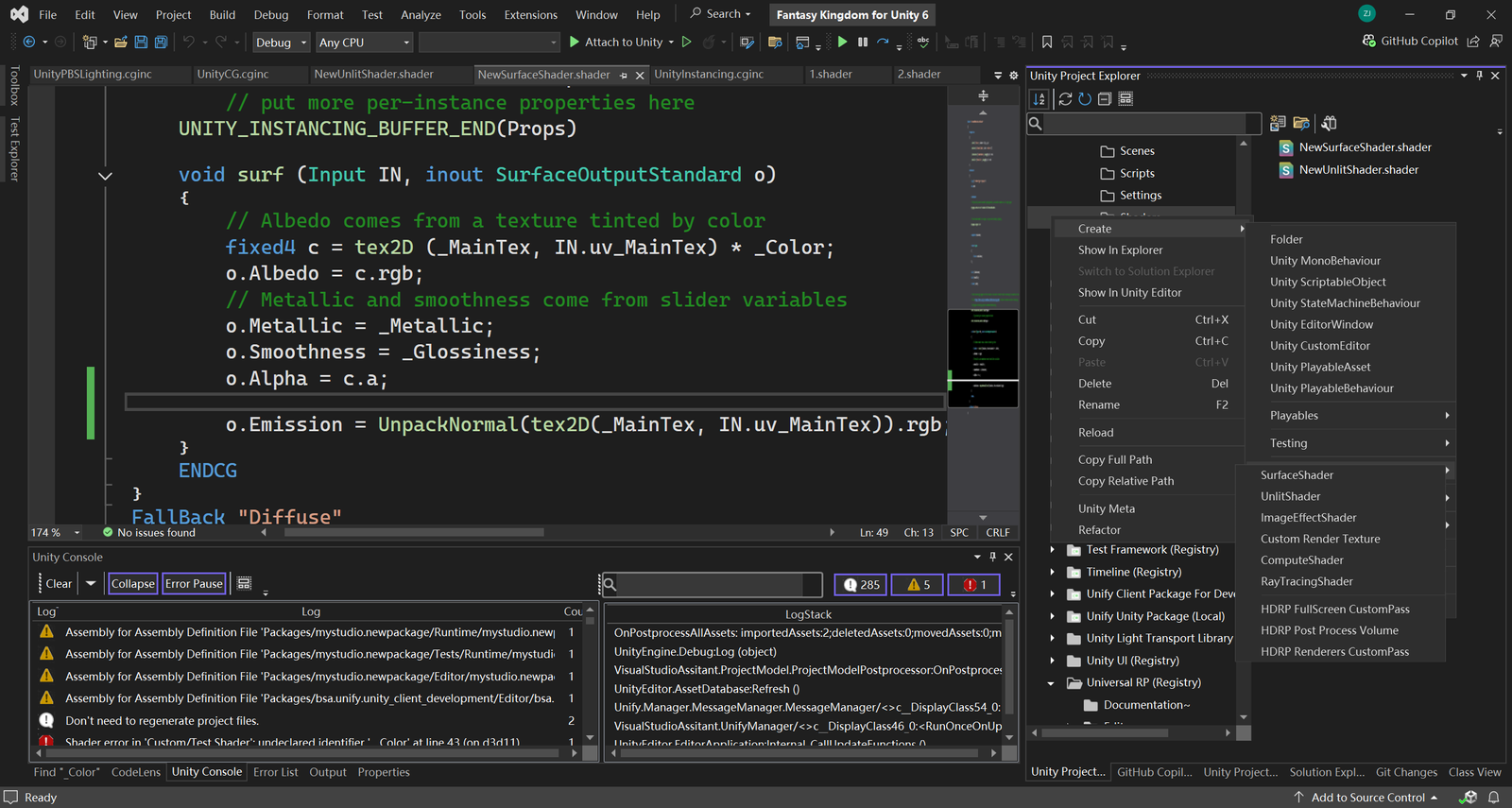
Advanced Shader Editor enhances your shader development workflow by integrating powerful editing tools directly into Visual Studio. This feature is designed to make writing and editing Unity shaders more efficient and productive, offering a suite of capabilities including:
- Syntax Highlighting: Easily read and distinguish shader code elements for a clearer view of your CG and Unity shader scripts.
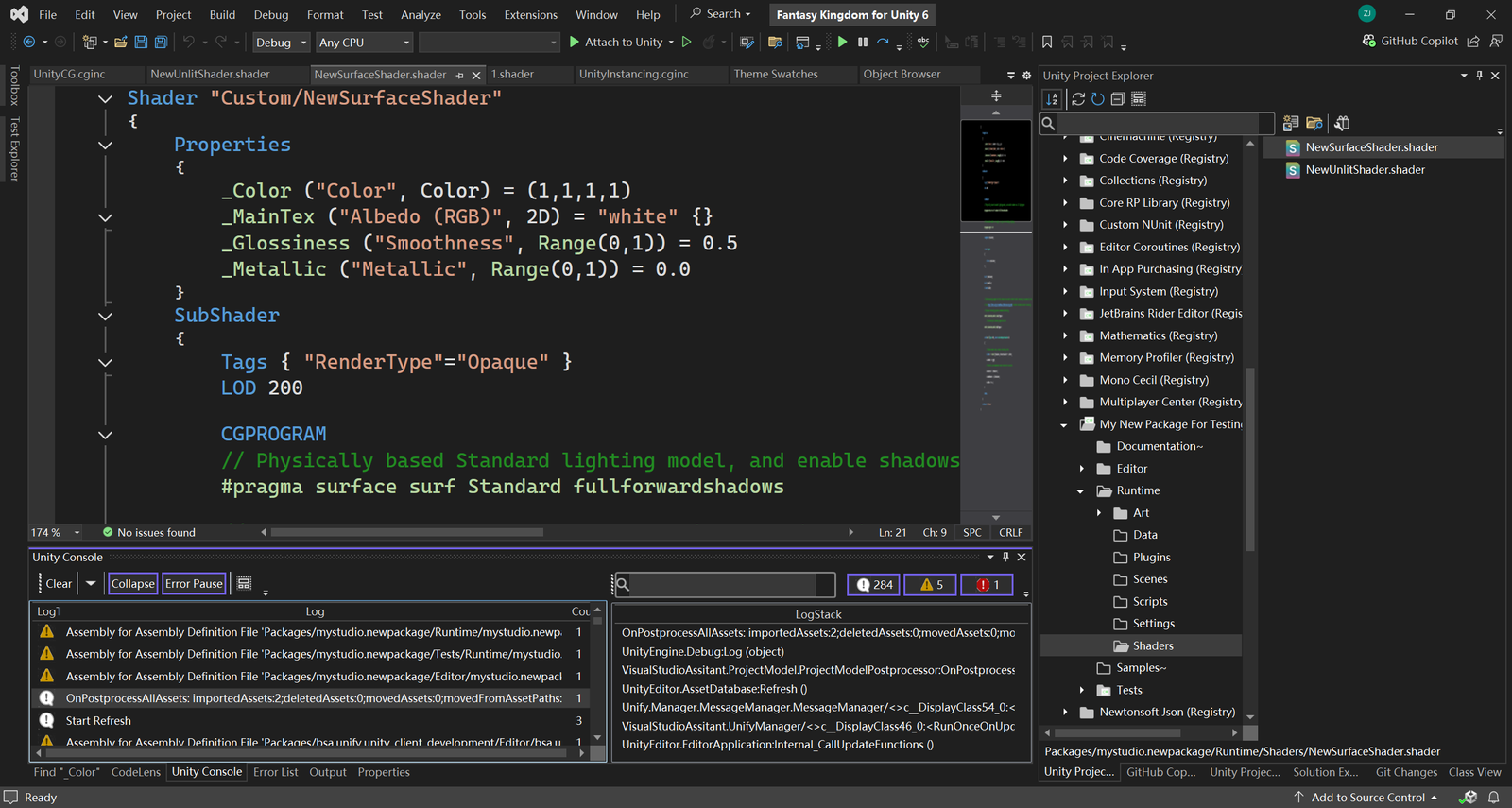
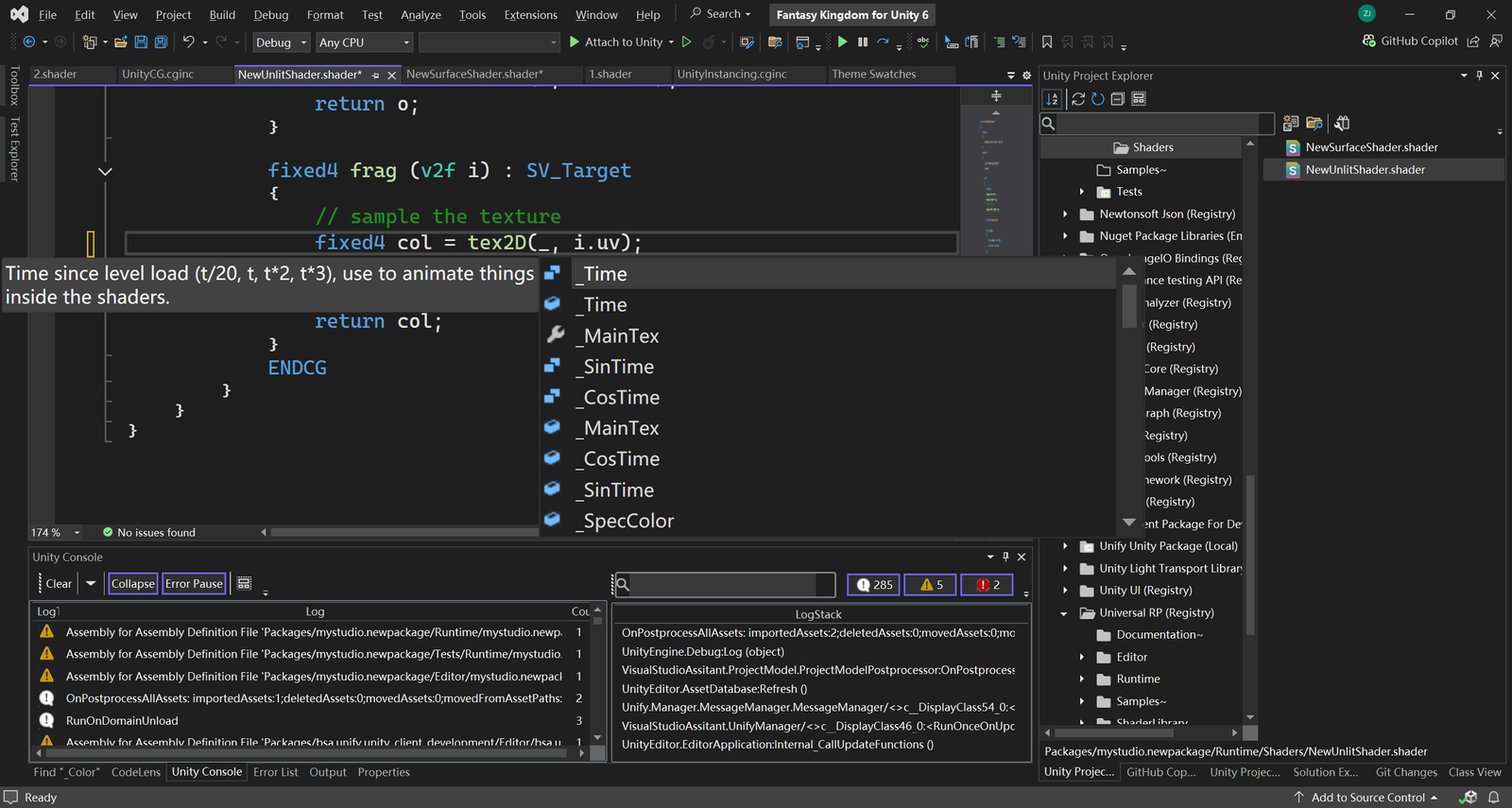
- Code Completion: Benefit from intelligent suggestions as you type, which helps reduce errors and speeds up development.
- Quickinfo: Hover over code elements to instantly view detailed information about functions and variables.
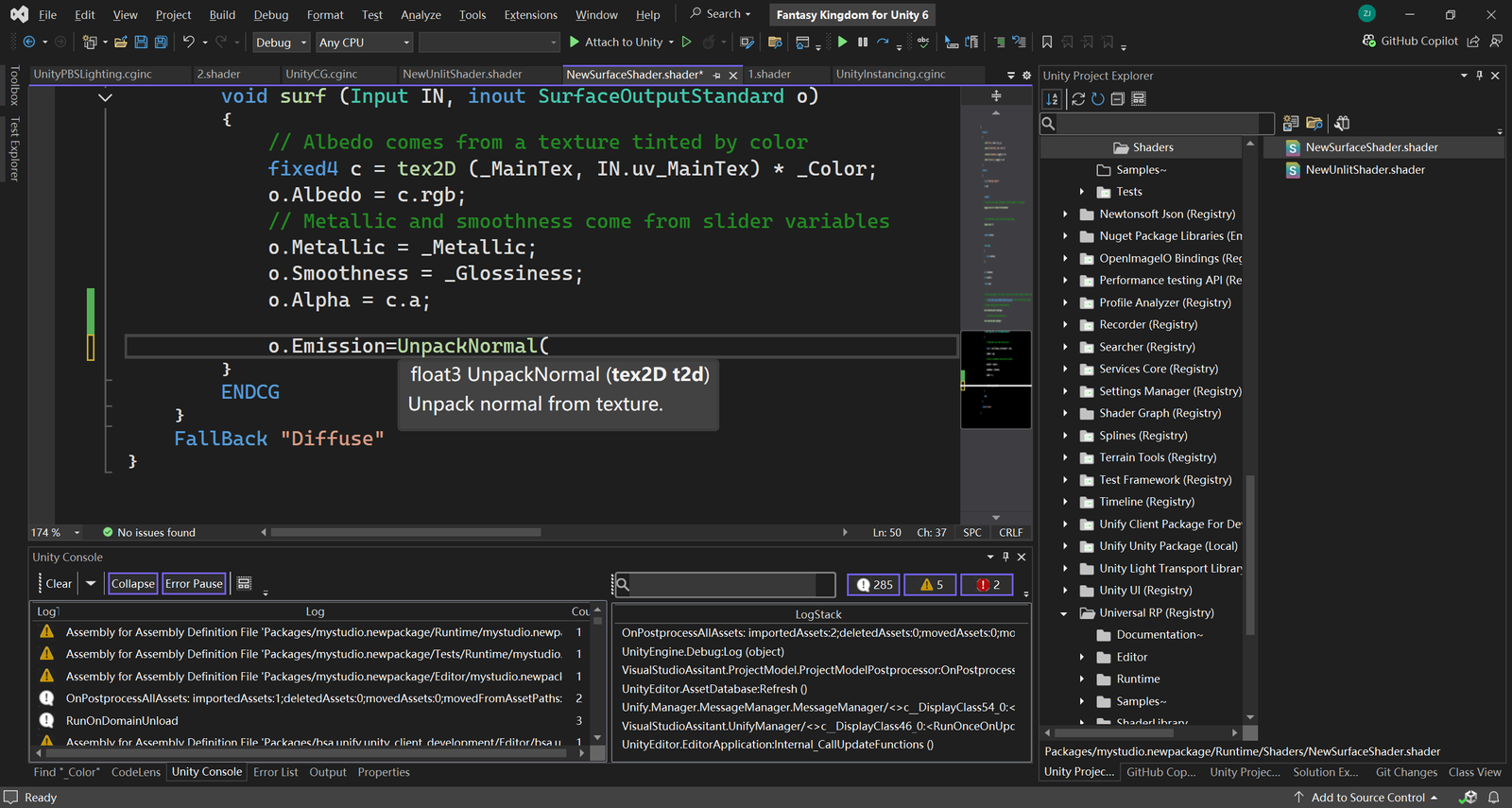
- Signature Help: Get parameter details and usage hints for CG and Unity built-in functions to enhance coding accuracy.
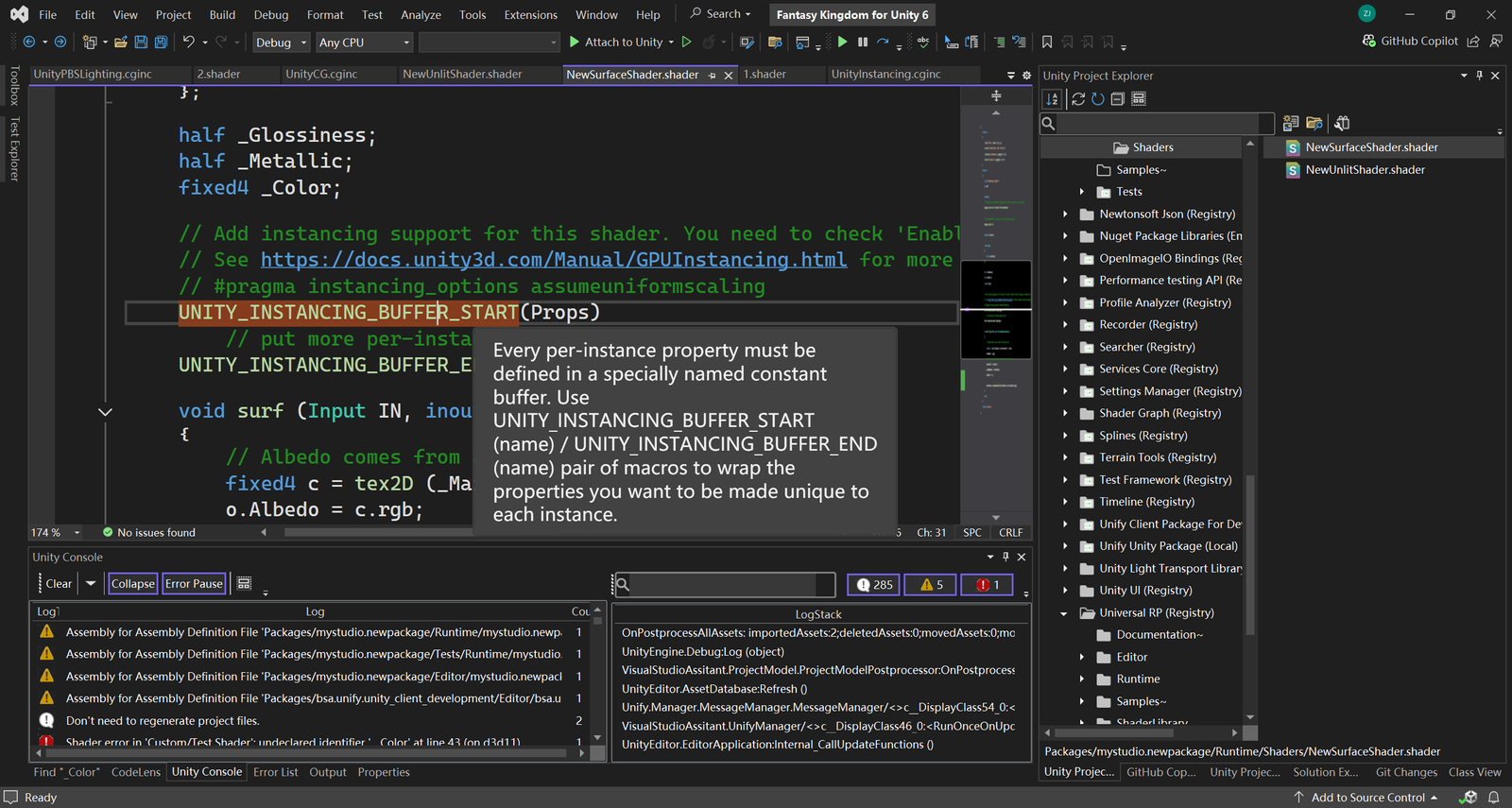
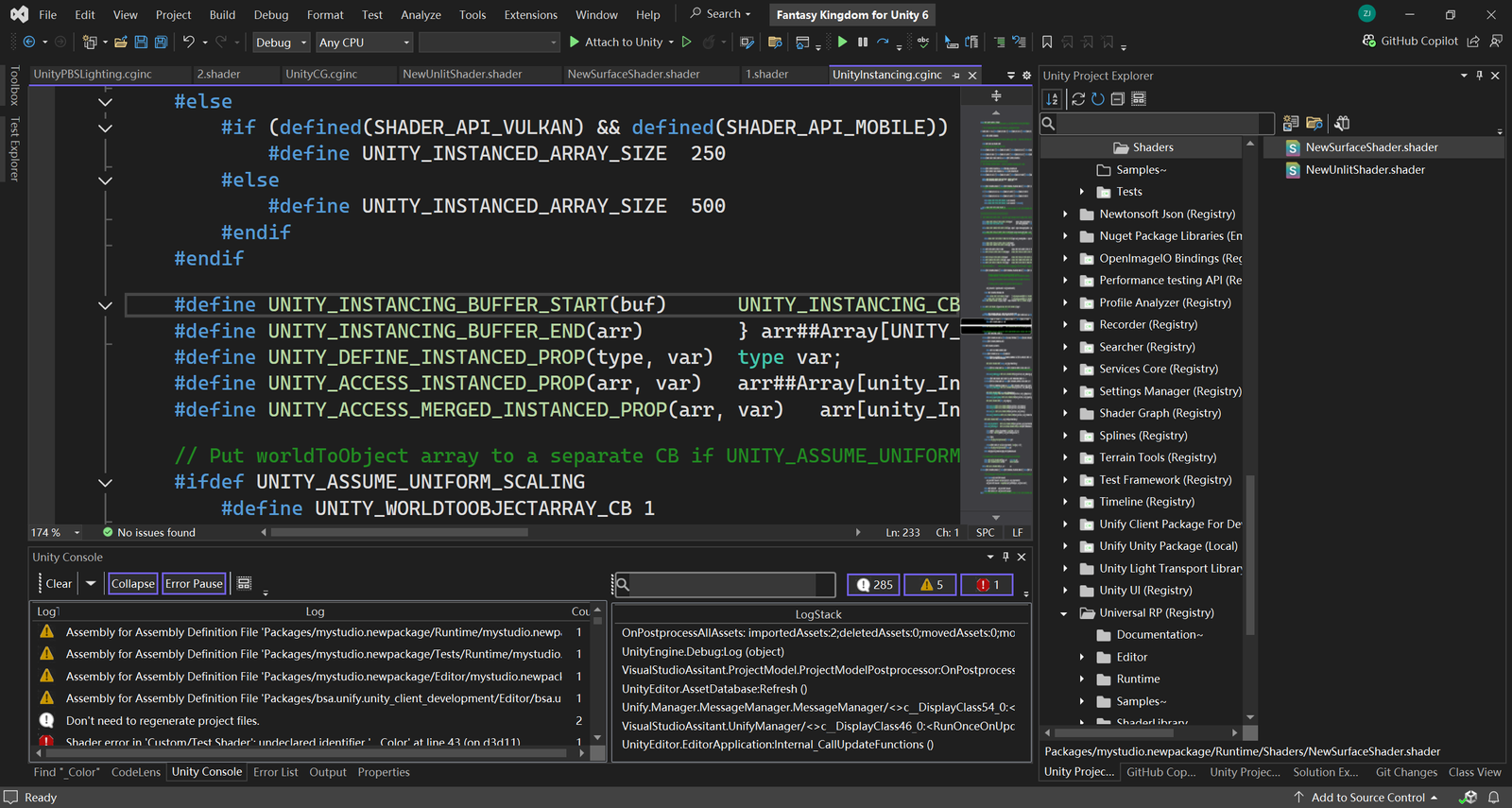
- Go To Definition: Quickly navigate to the definition of functions, variables, or shader properties, streamlining debugging and modifications.
- Predefined File Templates: In the Unity Project Explorer, use built-in file templates to rapidly create various shader types, such as Compute Shader, RayTracing Shader, Custom Render Texture, and more.