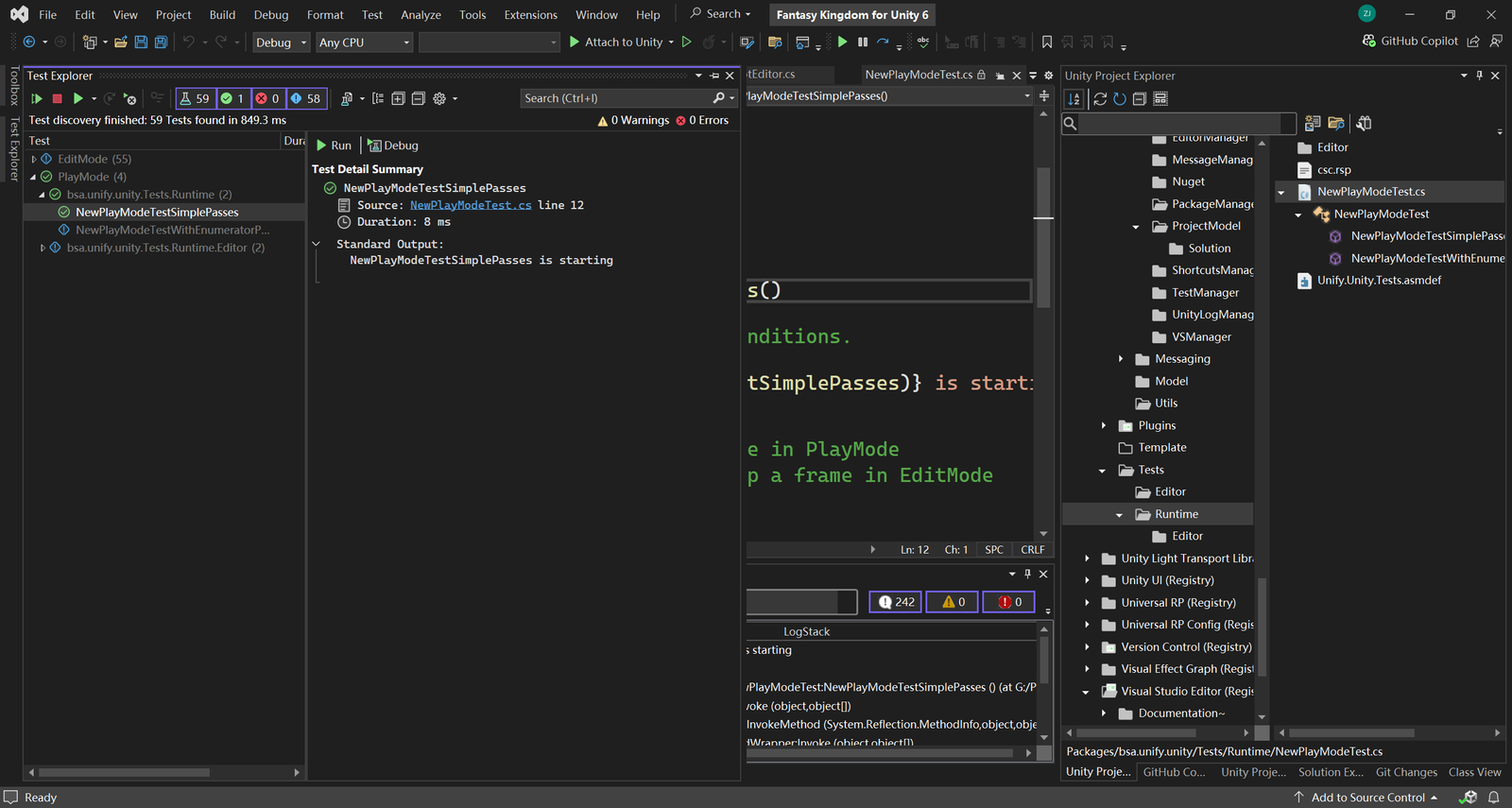
You can use Test Explorer to run and debug unity tests from Unity.
In Test Explorer, you can group Unity tests into categories, filter the test list, and create, save, and run playlists of tests. You can also use Test Explorer to debug unity tests and, even more, to analyze code coverage right inside Visual Studio.
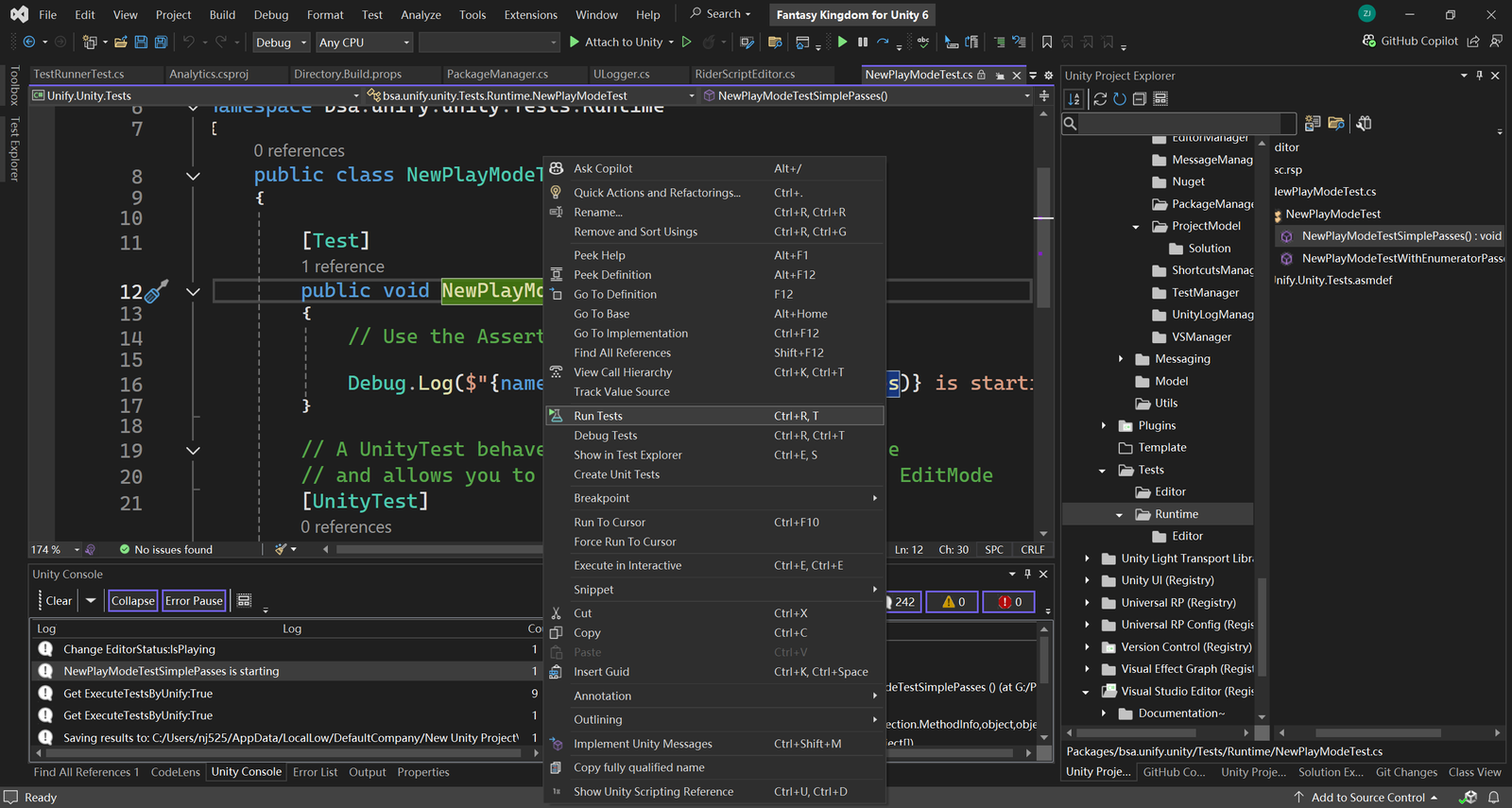
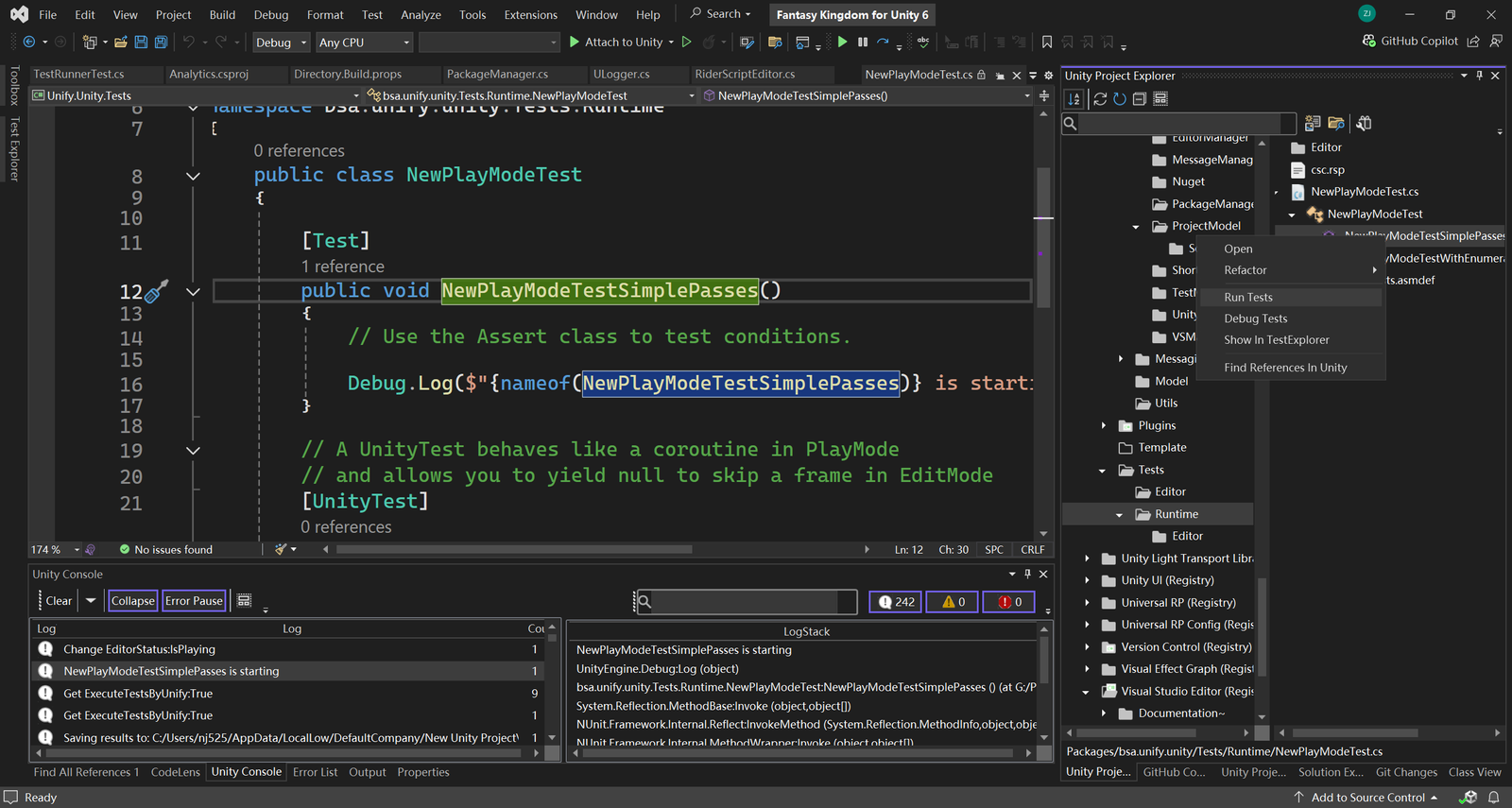
Beside Test Explorer, you can run unity test by Right-clicking a test in the code editor or a test method node in Unity Project Explorer and then selecting Run test.
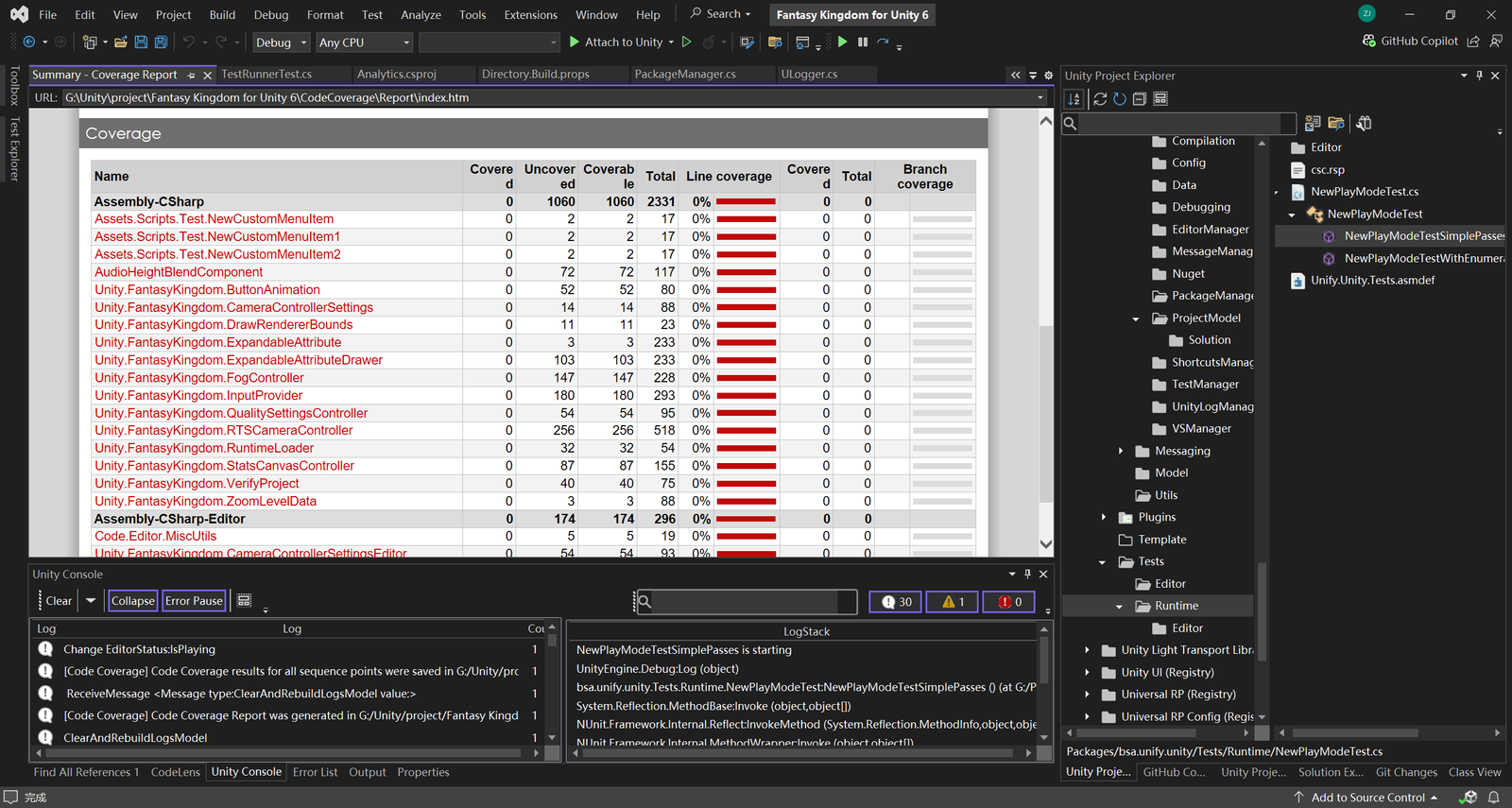
Check Code-Coverage Reports
When running your unity tests in the Test Explorer you can generate an HTML report which shows which lines of your code the tests cover. This includes both EditMode and PlayMode tests.